
Set up automatic shift booking
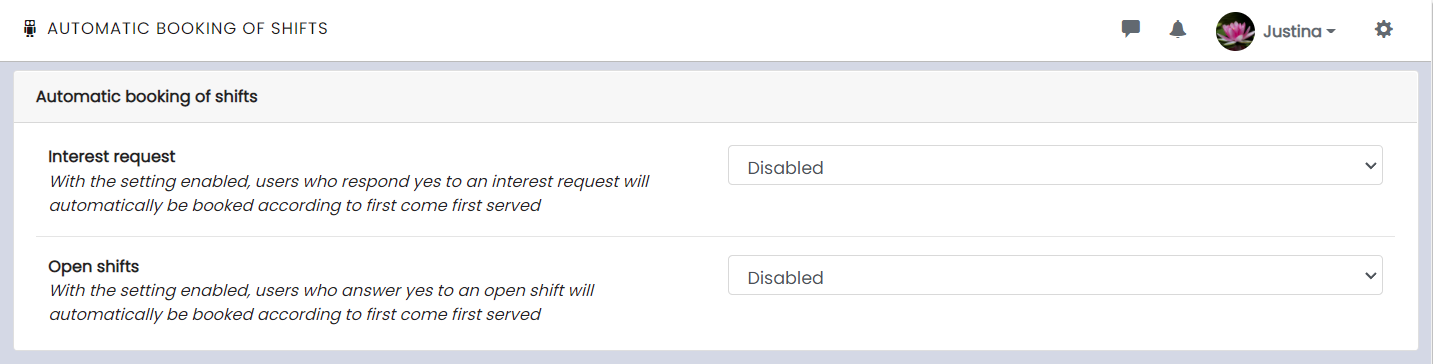
💡Automatic shift booking means that users who have accepted inquiries and/or open shifts are booked automatically on a first-come, first-served basis.
📢By default, automatic shift booking is disabled for both inquiries and open shifts.
You can activate the feature by clicking on ⚙️ in the upper right corner and then selecting Automatic Booking under the Scheduling section.
📢 Users need permission to express interest in open shifts before automatic booking for open shifts can be activated.