
How do I download time reports to Excel?
To be able to download time reports in Excel, you first need to open the Time Reports page, which is located in the left menu. Then click the Export button in the top right corner and select Excel.
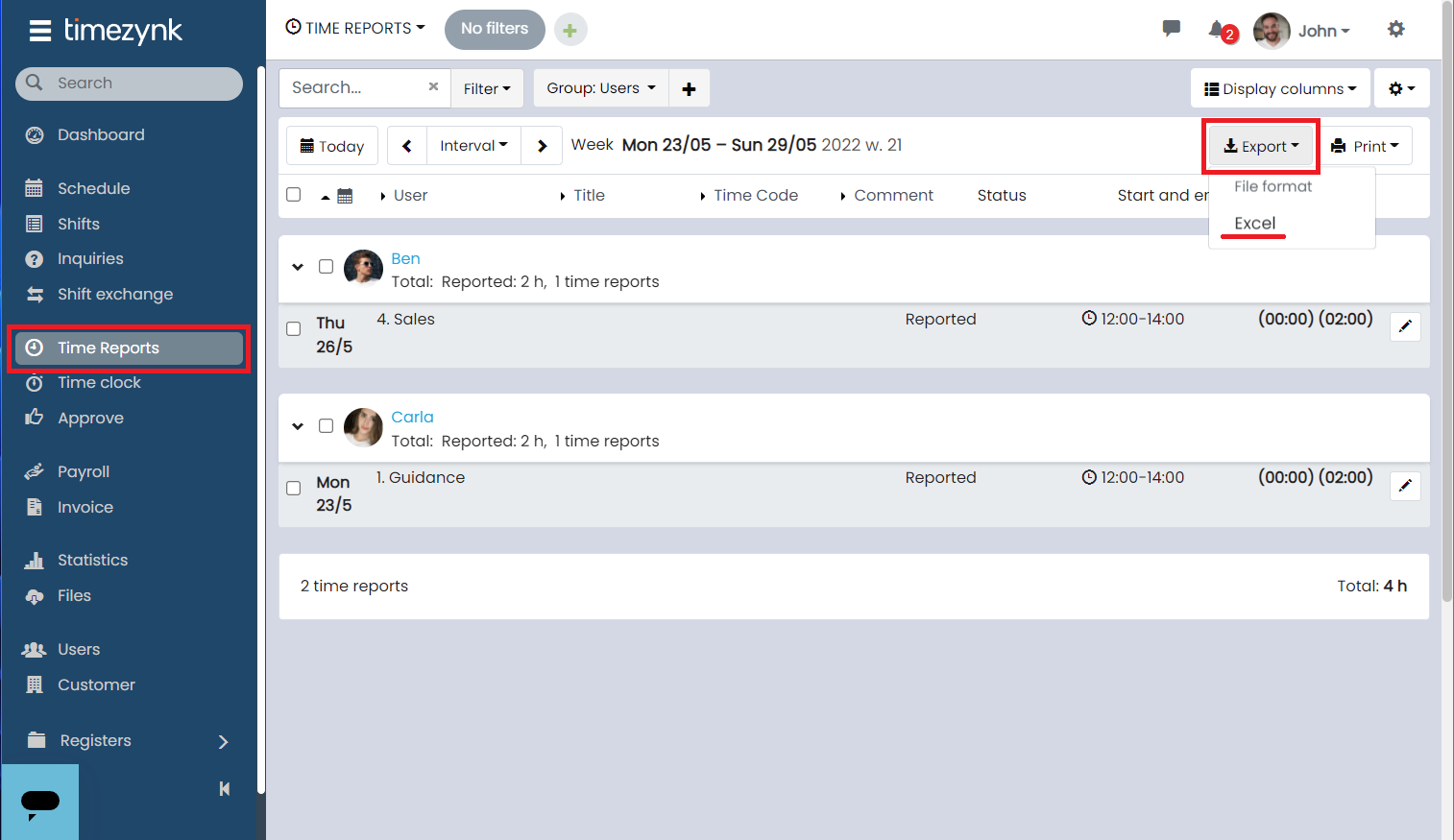
The file will be downloaded directly to your computer. If you want to download it again, you can find the file on the Files page in the menu on the left.
📢Note that the file will contain the time reports created during the selected time period. To change the period, press Interval before downloading the file.