Schedule in the mobile app
Create a shift
- Open the app and go to the main menu (three lines in the upper left corner).
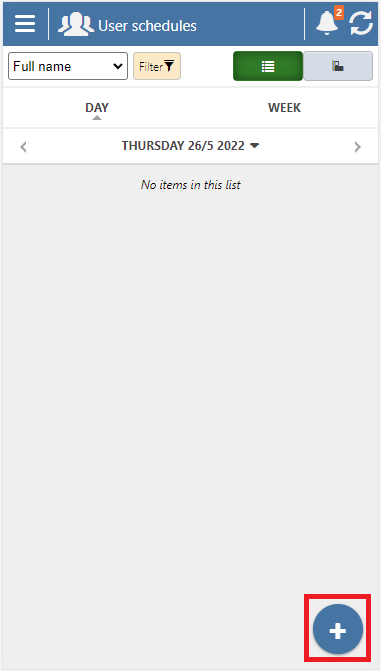
- Press User schedules.
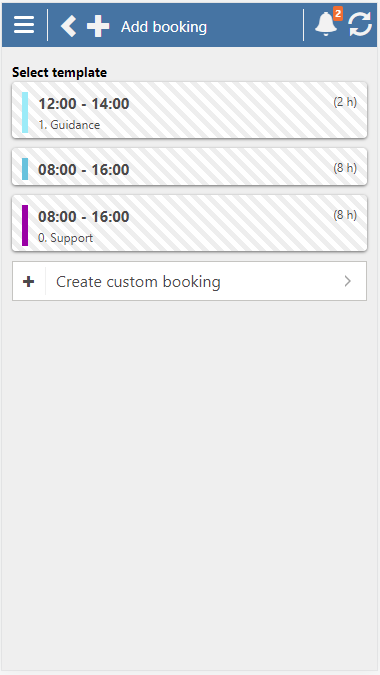
- Choose one of the following options: Tap on the day you want to create a shift for, then click on ➕ in the lower right corner and select Create custom booking. Alternatively, you can press ➕ directly, select the date, and fill in the required information.
You can also create a shift using one of the three most recent shift templates.
Book or send a booking request
When you have created a shift, you can either book it directly or send a booking request to someone.
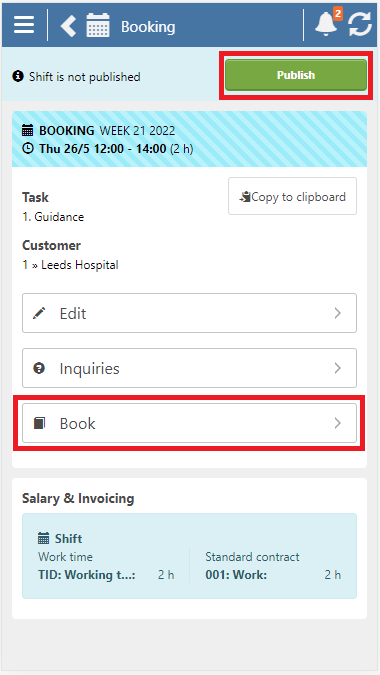
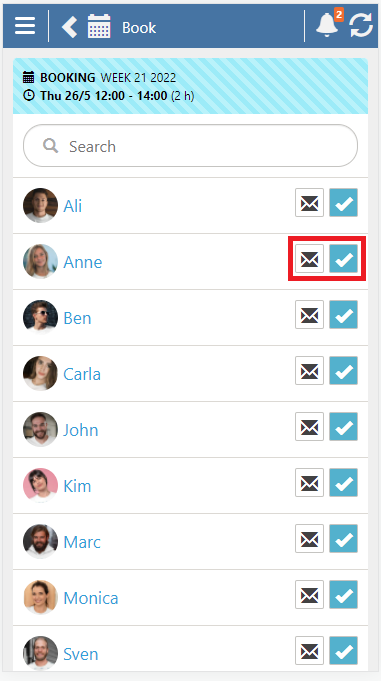
- Click on Book and ☑️ on the new shift.
- To send a booking request, press ✉️
📢Don't forget to publish the shift so that your user can see the shift in their schedule.