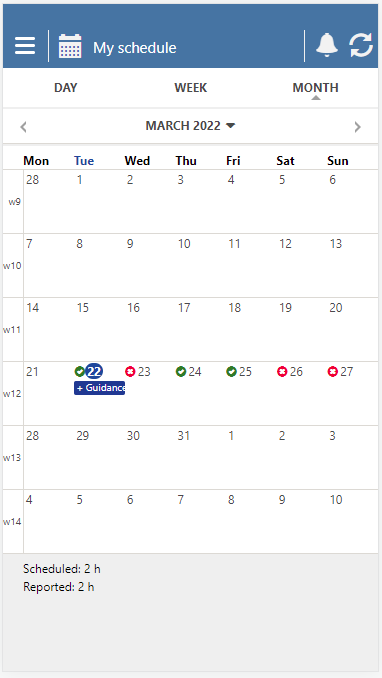
Report availability
From today's date and onwards, you can report availability showing when you can or cannot work.
- Select the desired date and press Add availability.
👀If there are predefined accessibility templates, they are at the top of the list.
- Select the availability template that suits you or click on Custom Availability.
👀If you choose the latter, a new page will open where you can specify your own availability.
- Finish by checking whether Available or Busy is selected.
- Then press Save.
👀Your availability shows up in your schedule as a colored circle, ✅ for available and ❌ for busy.