
Adjust shift title that is shown in Outlook
Click on ⚙️ at the top right, scroll down to Add-ons, and navigate to the Integrations page to access the company settings for the Timezynk-Outlook Calendar integration.
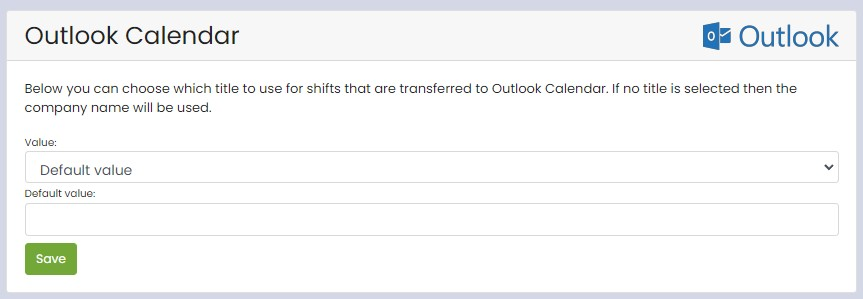
Here you can choose which title should be used for shifts that are transferred to Outlook Calendar.
- Default value: Fill in your chosen title (this static title will be displayed on all shifts that are synchronized with Outlook Calendar).
- From fields: Create dynamic titles by combining information from shift fields.
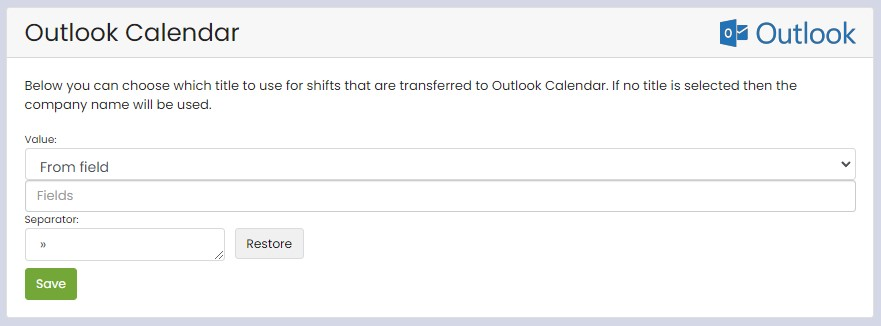
📢If you do not choose a title, the company's name will be used.