Add content to your registers
To add a new customer, task, project, or other relevant information for your company, you need to click on Register in the menu on the left. Select the register you want to add content to.
Inside the register, click on + Add, fill out the form, and press Save.
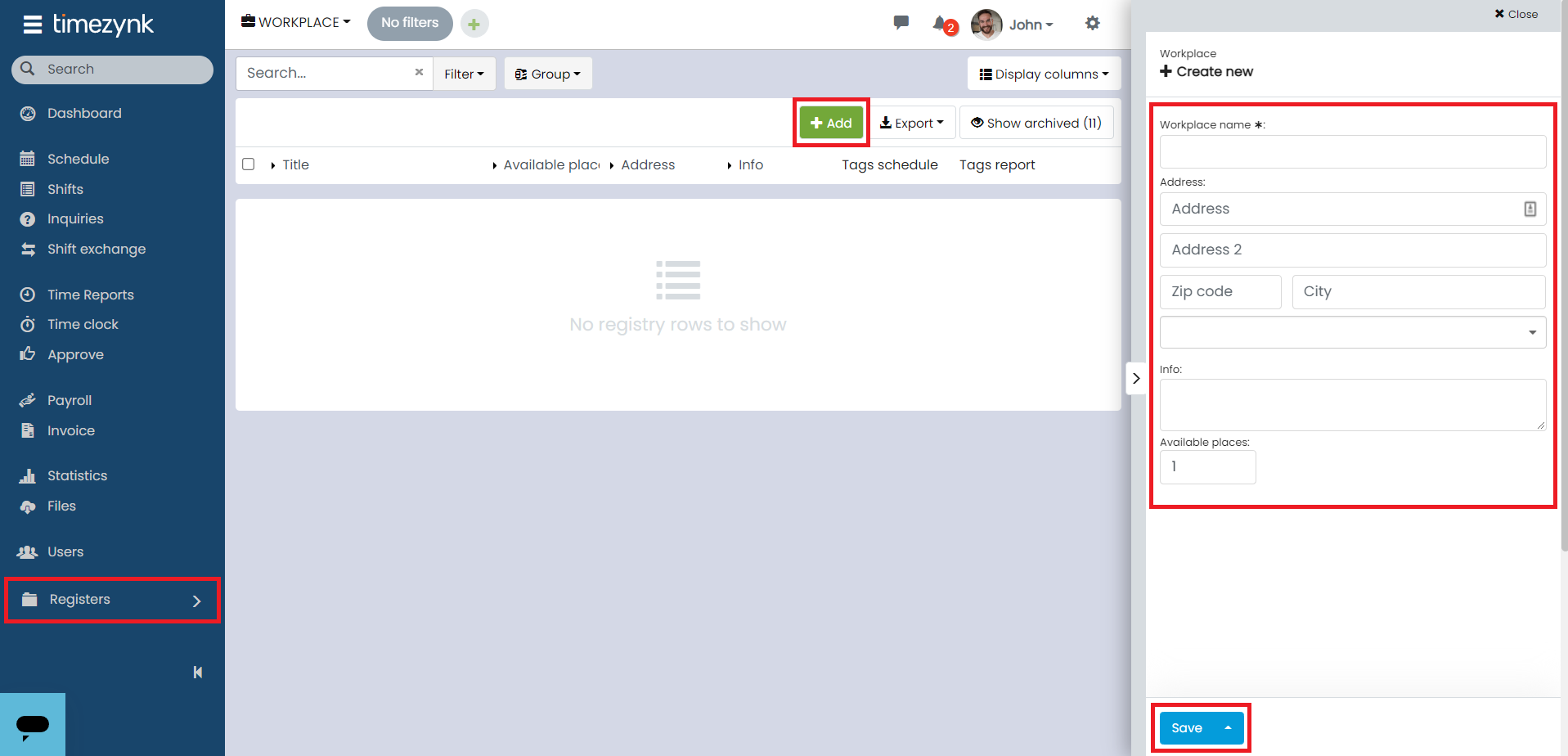
The exact information you need to fill in depends on the structure set up in the register.
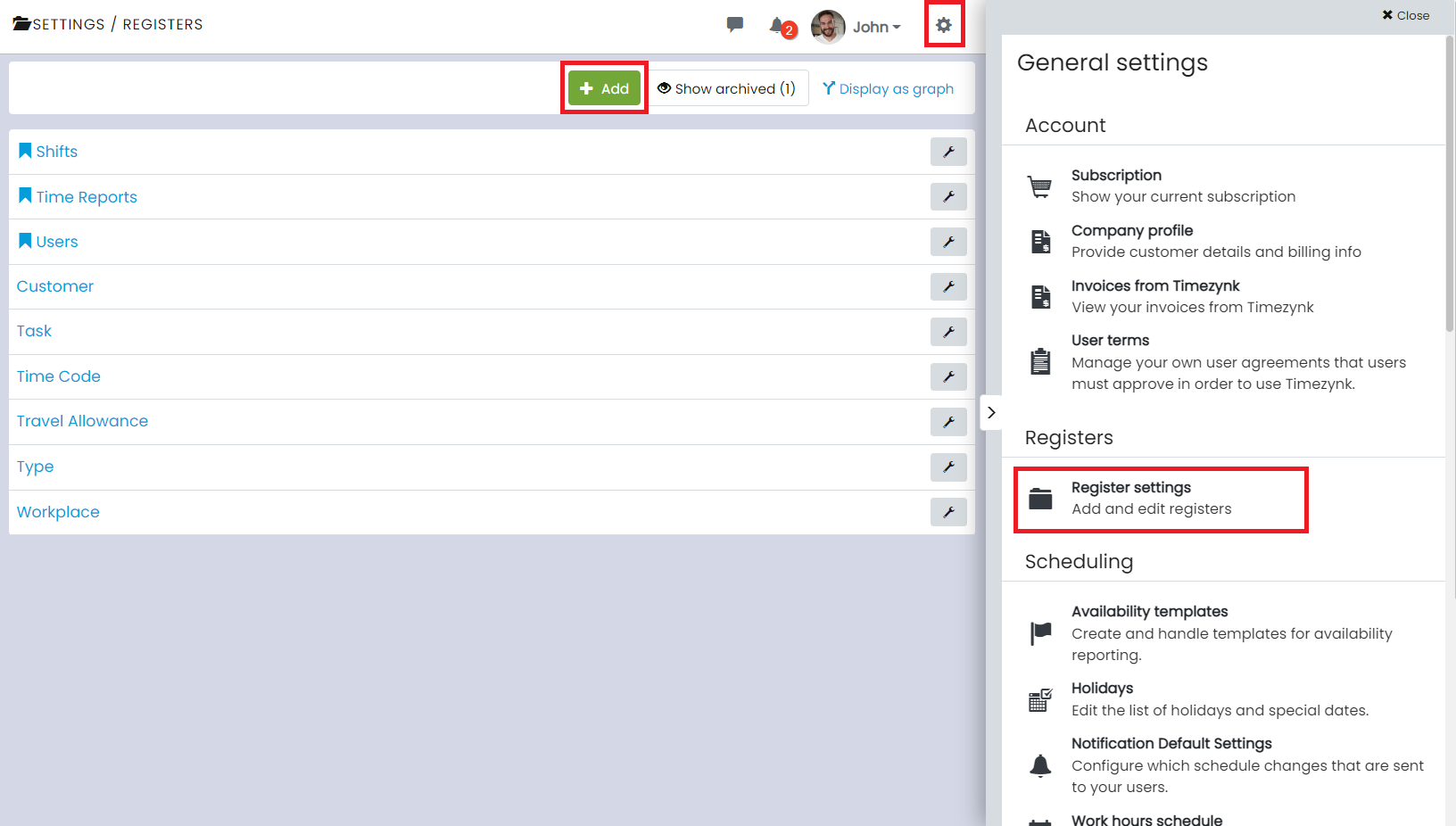
Some registers are available from the start as they are standard registers (for example, Customer and Task).
If you are missing a register, you can add it in Register Settings under ⚙️ by clicking on + Add.