
How do I upgrade my test account?
When you have tried Timezynk and feel ready to upgrade, you need to subscribe. You can easily do this yourself through your Timezynk account.
Click on ⚙️ in the top right corner and navigate to Subscription.
👀Since you do not have a subscription yet, only information about which subscriptions you can choose from is displayed.
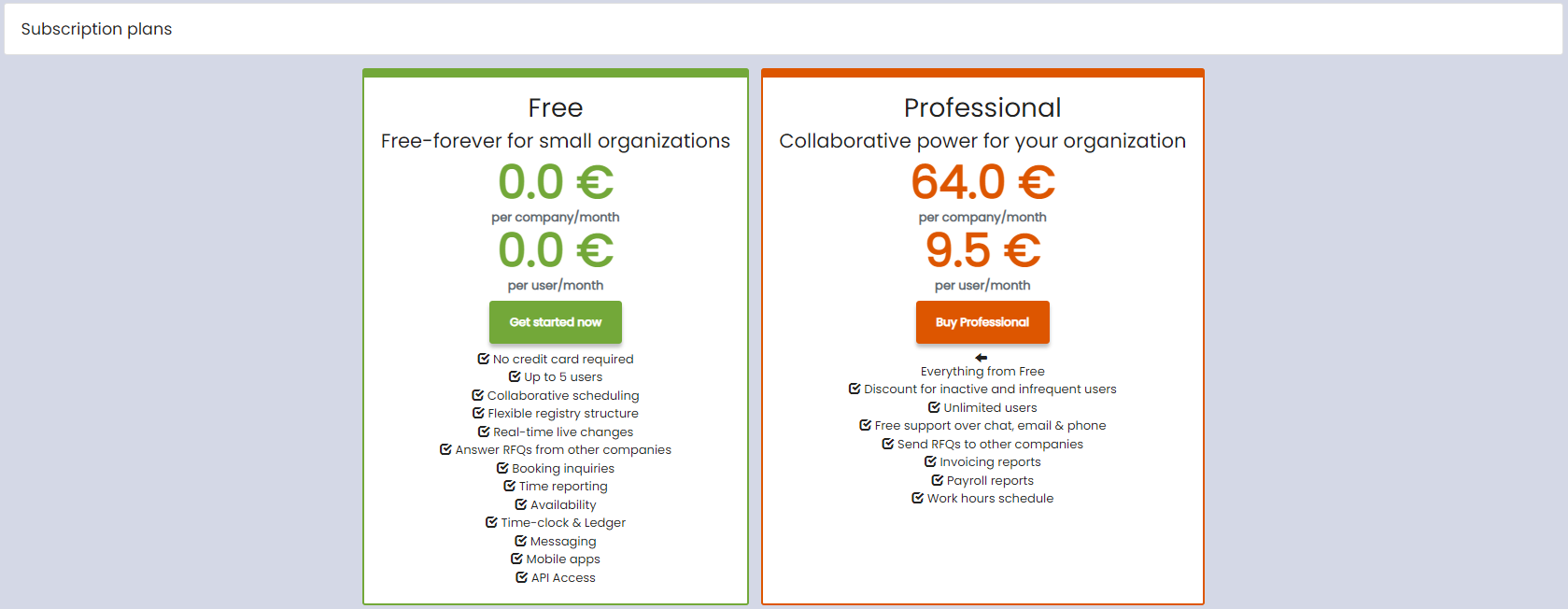
Select the subscription that best suits your business. Fill in all mandatory fields, choose a billing method, and accept the agreement by clicking on Accept.
👀If you have a discount code, or if you are eligible for a discount and wish to apply it, please contact our support for further assistance.