
Create and manage user terms
To edit an existing user term or add a new one, you need to navigate to ⚙️ > User Agreement under Account.
Here you add and manage your own user terms that your staff must approve in order to use Timezynk.
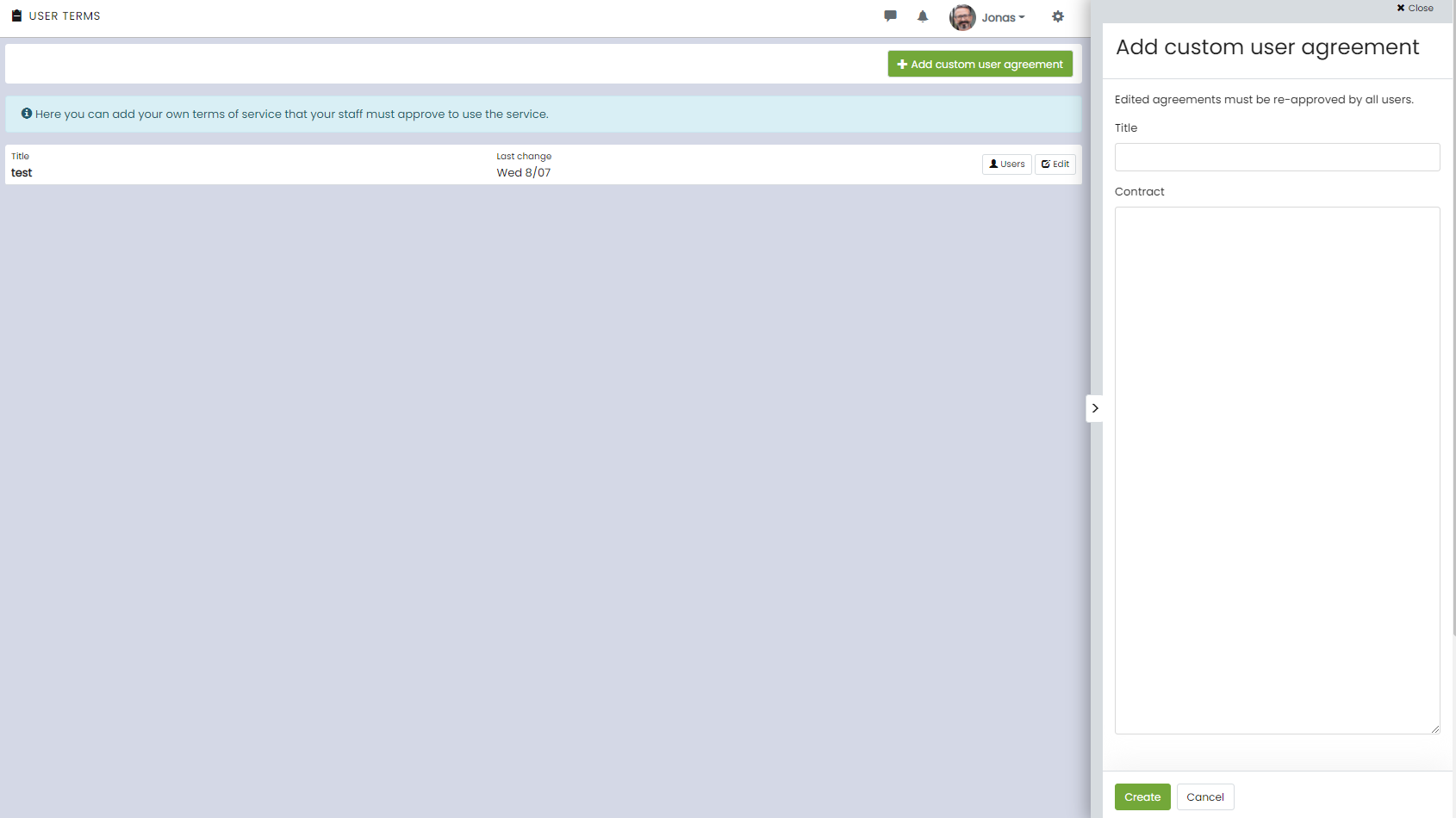
Add a new agreement
You add a new term by clicking on + Add your own terms of use, filling in the fields, and pressing Save.
Check who has accepted/not accepted the terms
By clicking on Users to the right of the terms title, you can see who has approved and who has not approved it.
Edit an existing terms
By clicking on Edit to the right of the term title, you can adjust the text in your existing term.
👀If you edit the text in an already approved term, it must be approved again by all users.
Remove a user term
You can remove the term by clicking on Edit to the right of the term title and pressing the trash can at the bottom of the side menu.